Connected end to end
Invoices feed your products, counts feed your food cost and valuation, all in one place with nothing to reconcile.

Tako turns the inventory count from a dreaded manual chore into a fast, mobile routine. Two ways to count, your products ready out of the box, and a number you can trust at the end of every session.
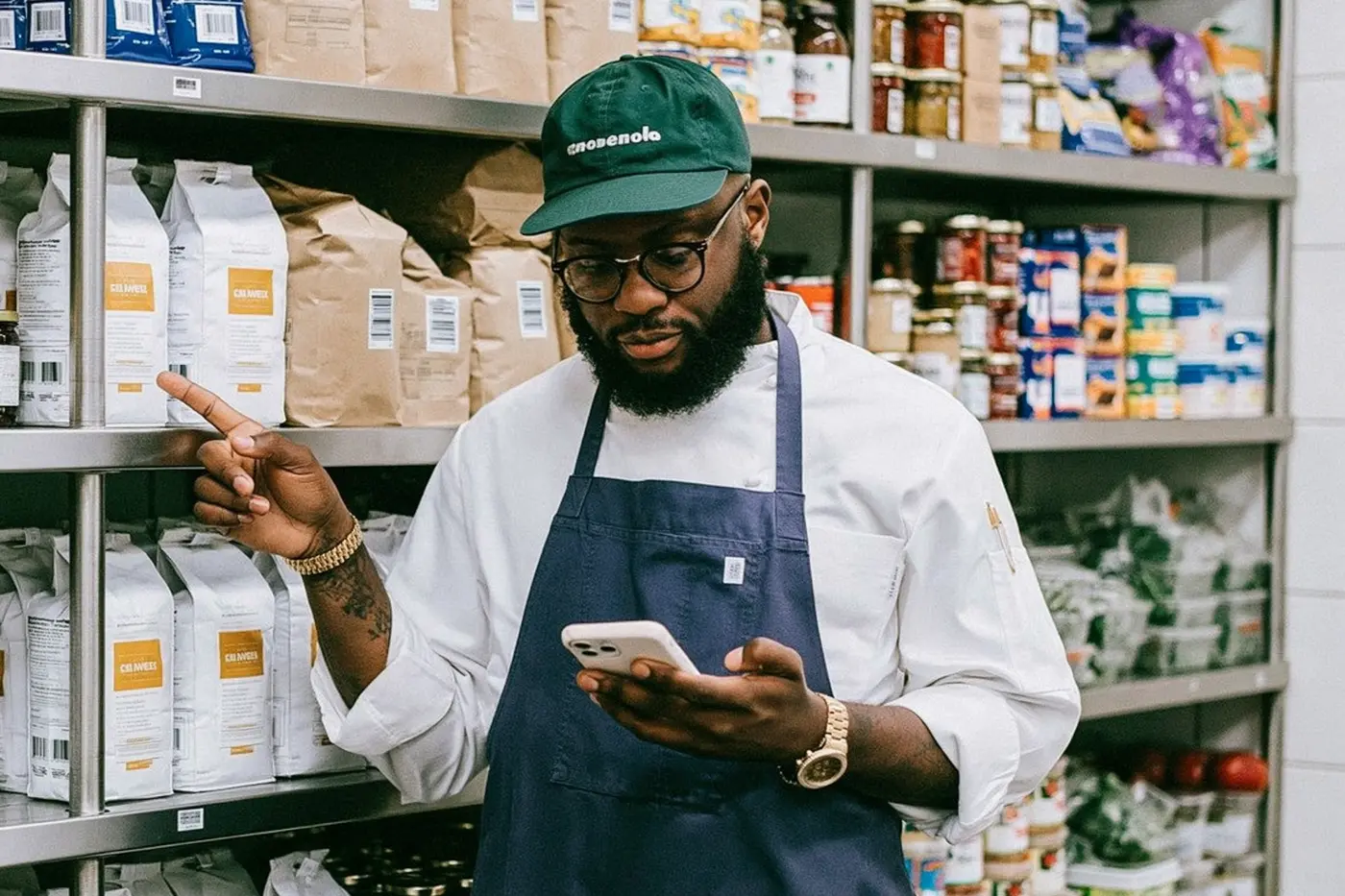

The count closes, the recap arrives. See variances at a glance, flag anything odd, and watch your stock without standing in the storeroom.
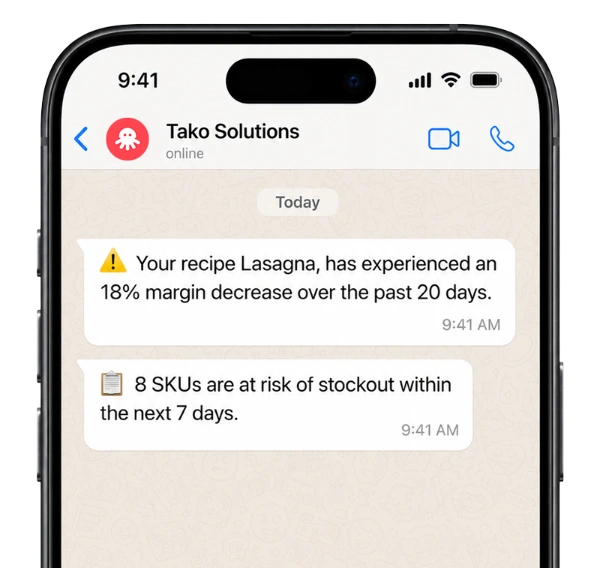
Most restaurants run on a gut feeling about what is in the back. That gap between what you think you have and what is really there is where your profit quietly leaks out. A regular inventory turns that blind spot into a number you can act on.
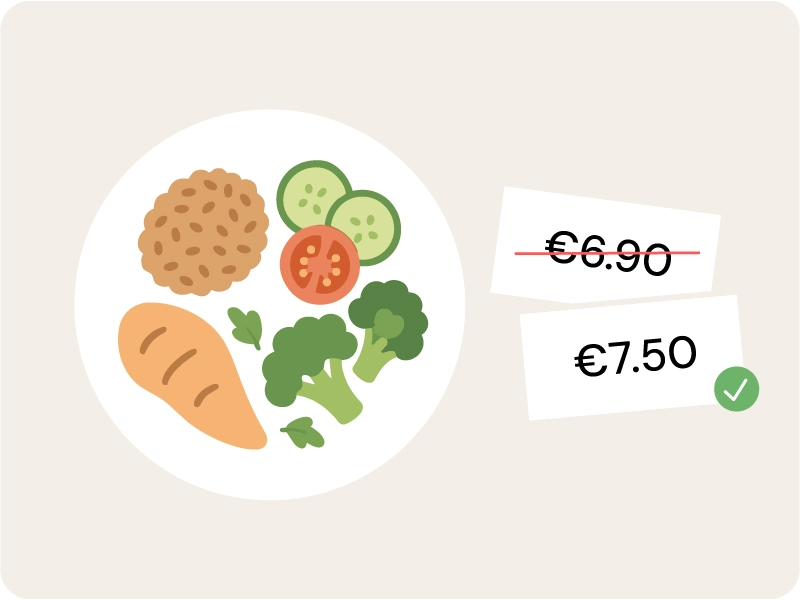
Theoretical cost tells you what a dish should cost. A real count tells you what it actually costs. The difference between those two numbers is your margin, and it is usually bigger than you think. Portions creep up, prices move, the kitchen improvises, and none of it shows in a recipe card. Counting your stock closes that gap and turns food cost from a rough estimate into a figure you can defend, dish by dish.
Closed sessions give your accountant a dated, signed stock valuation, ready for the books with no last minute scramble. Stock is real money sitting on your shelves, and at month or year end it has to be counted and valued properly. Instead of rebuilding that figure from memory and a messy spreadsheet, you hand over a locked session with the date, the author and the numbers already in place. Closing periods gets faster, and your books get more accurate.
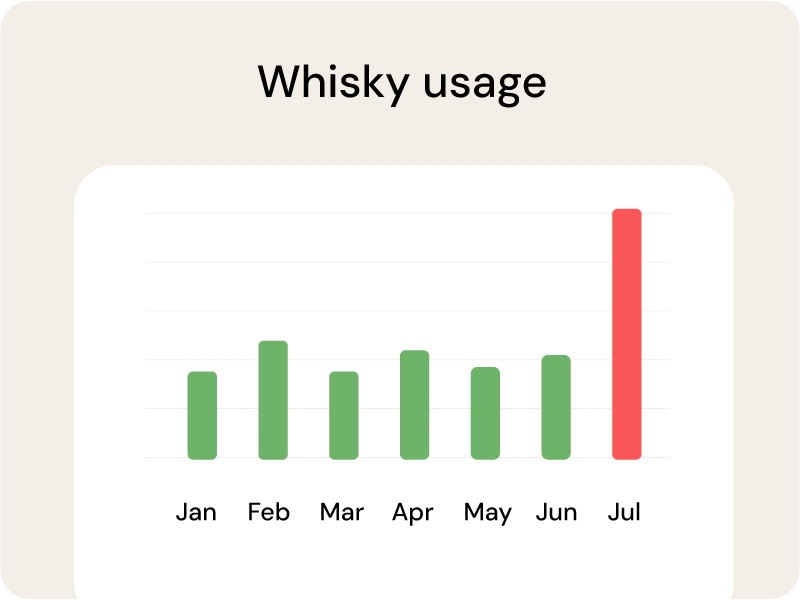
Unexplained gaps between sessions are not random. They point to over portioning, spoilage or shrinkage, item by item. Without a regular count those losses just blend into the bill and disappear. With one, the outliers stand out: the bottle that empties too fast, the protein that never quite balances, the line that bleeds margin every week. You stop guessing where the money goes and start fixing the handful of items that actually cause it.
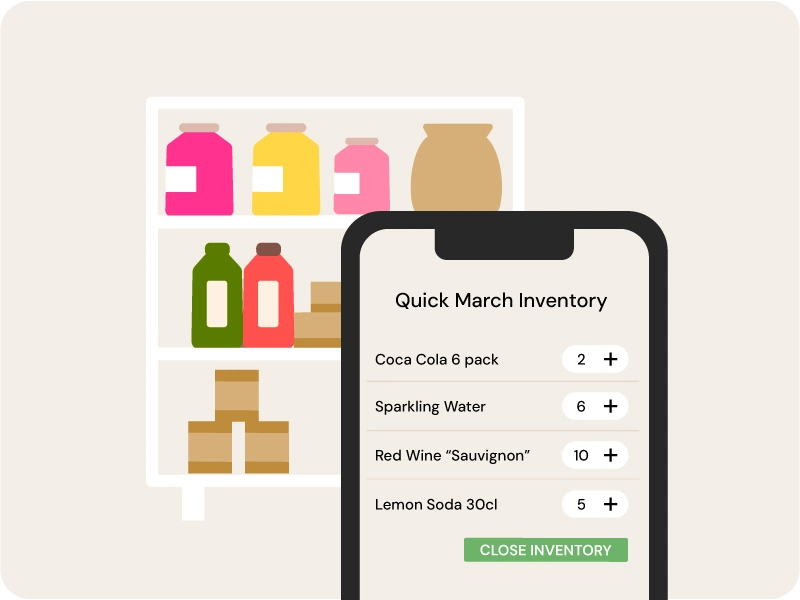
The 80/20 rule, applied to your storeroom. Tako reads your last 60 days of purchases, finds the handful of products that drive 80% of your spend, and counts only those. A monthly full inventory keeps your books honest, but the money moves every week, and Quick Count gives you that weekly read in 5 minutes instead of an hour and a half. Filter by All, Food or Drinks and count exactly what matters.
Start a session, pick the restaurant, and count product by product on your phone or tablet. With Tako your product list is already built from your supplier invoices, so there is nothing to set up before your first count. Tap to add units, type quantities directly, or switch units if you count by case or bottle.
A full inventory once a month is the baseline for clean books. For tighter cost control, run a Quick Count weekly on the products that drive most of your spend. Tako supports both from the same module.
Roughly 20% of your products account for 80% of your spend. Quick Count finds those key products from your purchase history and counts only them, so a weekly stocktake takes about 5 minutes instead of over an hour.
A spreadsheet works until it does not: no version control, no audit trail, constant manual setup, and easy mistakes on pack sizes. Restaurant inventory software keeps every session dated, signed and valued, and removes the maths.
Yes. Counts save automatically and are stored on the device, so you can keep working in a walk-in or storeroom with no signal. Everything syncs once you are back online.
Yes. Preparations and sub recipes are part of the count and valued alongside raw products.